
 By sara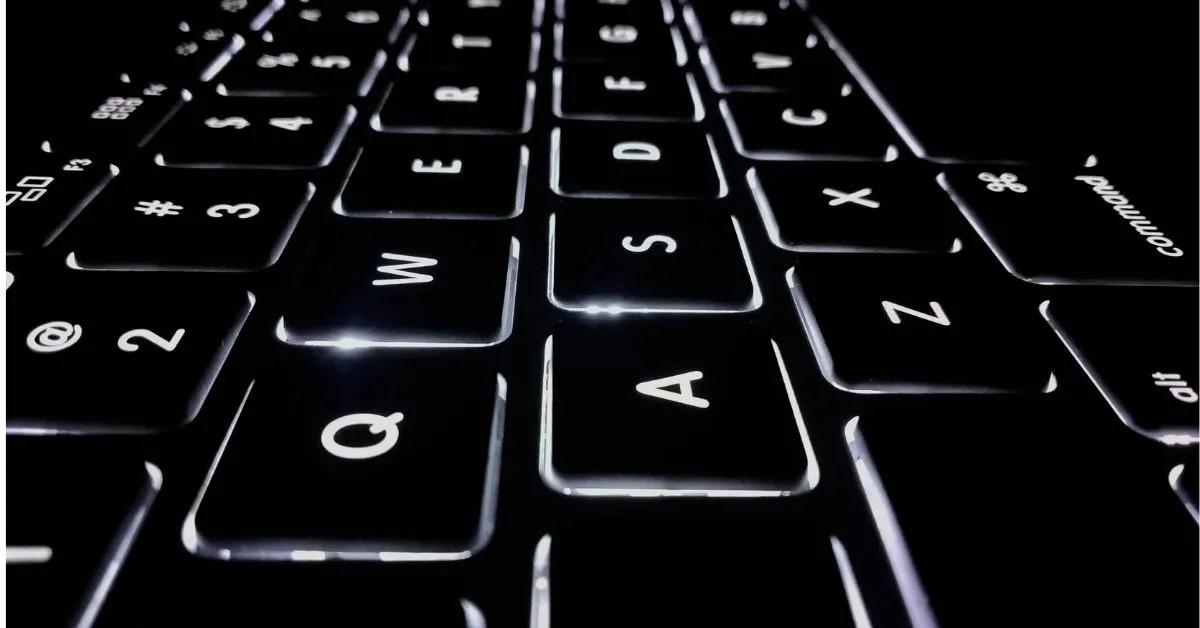
Ever been up past midnight, pecking at your keyboard, chasing keys that seem to play hide-and-seek in the dark? Whether you’re a coder grinding through lines of code, a writer riding a late-night creative wave, or a student scrambling to finish that paper, typing at night can feel like stumbling through a blackout. Your fingers fumble, typos pile up, and your eyes are practically begging for a break. But don’t worry—I’ve got your back with some super practical, no-fuss tips and tools to make nighttime typing feel like a breeze, so you can stay sharp and cozy no matter how late it is.
Here’s what we’re diving into:
- Why typing in the dark is such a pain (and how to fix it fast).
- Awesome gear like glowy keyboards and apps to light up your work.
- Easy ways to type quicker and dodge those annoying mistakes.
- Tricks to keep your eyes happy and your sleep on point.
- What’s coming next for typing when the lights are low.
Let’s roll up our sleeves and make those late-night sessions something you actually look forward to!
Why Typing at Night Feels Like a Total Struggle
Typing in the dark isn’t just about dim lights—it’s like trying to find your phone in a messy room with no flashlight. Imagine it’s 2 a.m., you’re in the zone, but every typo throws you off. The folks at TypeTest.io say you might type 15-30% slower in low light, and 7 out of 10 people feel their eyes burning after too much screen time (American Optometric Association). So, what’s making it so rough?
The Speed Slowdown
Without light, your fingers second-guess every move, like you’re playing a game with no map. A coder who flies at 60 words per minute (WPM) in daylight might limp along at 40 at night. It’s like trying to jog through a dark park—you’re bound to stumble.
Your Eyes and Body Aren’t Thrilled
That bright screen or keyboard glow? It’s like a spotlight keeping your brain wired, making it tough to sleep later. Plus, slouching in dim light can leave your neck and shoulders feeling like you’ve been hauling bricks all night.
Not Everyone’s Got the Right Setup
If you’re rocking a basic keyboard, good luck spotting the keys! And for folks with vision challenges, the lack of night-friendly tools—like voice-to-text that works in the dark—makes things extra tricky. These bumps in the road are real, but we’ve got ways to smooth them out.
How Nighttime Typing Became a Big Deal
Typing after dark isn’t new, but it’s come a long way from the old days. Back in the ‘80s, people were stuck rigging up desk lamps or slapping glow stickers on their keyboards. By the 2000s, backlit keyboards started stealing the show, especially for gamers and coders who loved late-night sessions. Now, in 2023, with 60% of developers coding after hours (Stack Overflow), typing in low light is practically a way of life.
Today, we’ve got dark mode apps and smart lights, like Philips Hue, that vibe with your workspace. The boom in remote work has made nighttime typing a must for tons of folks—students, freelancers, you name it. It’s all about making those late hours work for you.
The Basics: How to Type Like a Rockstar at Night
Let’s break down the must-knows for typing in the dark, with simple ideas and comparisons to make it click.
Touch Typing: Your Nighttime Cheat Code
Touch typing is like learning to skate without looking at your feet—once your fingers know the keyboard, you’re golden. A couple weeks of practice can slash typos by 40% (SuperUser, 2023). It’s like giving your hands a GPS for the keys.
Light Up Your Game
A backlit keyboard is like a trusty lantern, boosting accuracy by 10-15% (TypeTest.io). On a budget? Grab some glow-in-the-dark stickers or a cheap USB light. It’s like tossing a glow stick on your desk—simple but clutch.
Keep Your Body in Check
Your setup’s gotta be kind to you. Keep your screen at eye level to avoid neck cramps, and use blue light filters to save your sleep. Think of your desk like a cozy car—tweak it for a smooth ride.
Why Nighttime Typing Matters Right Now
Typing at night isn’t just for night owls—it’s a game-changer for anyone with a flexible schedule. With coders and students burning the midnight oil, nailing nighttime typing keeps you on top. Dark mode apps are a big deal, cutting eye strain by 20-25% (Typesy, 2023), and backlit keyboards are basically a must for pros.
This isn’t just about you. In fields like tech and writing, late-night work is super common, and a bad setup can lead to screw-ups or burnout. Get nighttime typing down, and you’re not just faster—you’re ready to crush it in a nonstop world.
The Big Struggles (and How to Beat Them)
Nighttime typing can be a headache, but I’ve got some fixes that’ll make it way easier.
Keys Playing Hide-and-Seek
Can’t see your keys? That’s a recipe for typos, spiking errors by 20-40% (Quora, 2023). Fix: Snag a backlit keyboard ($50-150) or stick on $10 glow stickers. I heard about a student who taped a $15 USB light to her monitor and cut mistakes like a pro.
Eyes Begging for Mercy
Bright screens can tank your sleep, with 70% of folks feeling eye strain. Fix: Try blue light glasses ($15-50) or free apps like f.lux. Use the 20-20-20 rule: every 20 minutes, look 20 feet away for 20 seconds. A Reddit writer said glasses saved her from headaches after 3-hour sessions.
Waking Up the Whole House
Clicky keyboards can annoy anyone nearby. Fix: Go for a quiet keyboard, like one with Cherry MX Silent Red switches. A coder on Quora said this kept his roommates happy.
Not Everyone’s Covered
Basic keyboards suck in the dark, especially for visually impaired folks. Fix: Check out voice-to-text apps or high-contrast key labels. New AI tools are starting to level the playing field.
Real-Life Wins: Nighttime Typing Done Right
Let’s look at how real people are killing it with nighttime typing.
The Freelancer Who Turned It Around
Sarah, a coder, was stuck at 35 WPM in the dark, missing deadlines. She grabbed a $70 backlit keyboard and hit up Keybr.com for practice. A month later, she was cruising at 50 WPM, and blue light glasses kept her eyes fresh. Her story’s proof that little tweaks go a long way.
The Broke Student’s Hack
Jake, a college student, couldn’t swing a new keyboard but had to study late. He got $10 glow stickers and a $15 USB light. His typos dropped from 30% to 10%, helping him nail his assignments. You don’t need big bucks to shine.
The Night Owl Blogger
Lisa, a writer, used dark mode on Monkeytype and synced her Philips Hue lights to dim automatically. Her work jumped 25%, and she felt way less drained. Smart tech turned her desk into a late-night happy place.
Easy Hacks to Rule Nighttime Typing
Ready to make nighttime typing your jam? Here’s a bunch of practical tips:
- Get a Backlit Keyboard: Pick high-contrast keys (yellow on black). Budget ones start at $50; RGB models at $150 add some pizzazz.
- Practice Touch Typing: Spend 10 minutes a day on Keybr.com or Typing12.com. Shoot for 40 WPM in the dark.
- Go Dark Mode: Turn it on for your OS and apps to cut glare by 20-25%.
- Try Cheap Fixes: Glow stickers or USB LEDs ($10-20) are lifesavers for old keyboards.
- Save Your Eyes: Use f.lux or blue light glasses, and stick to the 20-20-20 rule.
- Keep It Hush: Grab a quiet keyboard to avoid bugging others.
- Check Your Progress: Hit up TypeTest.io to track WPM and test lighting. Aim for a 10% speed boost in a couple weeks.
What’s Coming for Nighttime Typing
The future of typing in the dark is pretty exciting. AI tools are starting to guess your next keystroke, even in dark mode, making you faster. Picture an app that fixes typos based on your late-night vibe—sweet, right? VR keyboards are on the way too, letting you type in virtual spaces without real keys.
Smart home gear is stepping up, with lights like Philips Hue tweaking themselves as you work. Plus, new tools for visually impaired folks, like keyboards with touch feedback, are making things fairer. Want to stay ahead? Start messing with these tools now and keep practicing.
Wrapping It Up: Your Nighttime Typing Toolkit
Typing at night doesn’t have to be a drag. With stuff like backlit keyboards or cheap LED hacks, plus some practice, you can fly through your work without typos or tired eyes. Use blue light filters to sleep better, and check your speed to see how you’re doing (40-50 WPM is totally doable). Whether you’re coding, writing, or cramming, these tips will make your late nights awesome.
Ready to get going?
Swing by Monkeytype.com for a free typing test to see how you do in the dark, or peek at backlit keyboards at your favorite store. Got a killer nighttime typing hack? Share it in the comments—I’m all ears!